| How your trades get in |
|---|
| Sierra Chart | Live, from a study in your chart | File upload of the Activity Log |
|---|
| NinjaTrader 8 | Live, from an add-on | Excel file of the Trade Performance report |
|---|
| MetaTrader 4 and 5 | Live, from an Expert Advisor | MetaTrader 4 report over FTP every 60 minutes and after trade actions; MetaTrader 5 Expert Advisor in early access, from their support |
|---|
| cTrader | Live | File upload of the statement |
|---|
| Quantower | Live | File upload |
|---|
| Rithmic accounts | Live through Sierra Chart, NinjaTrader or Quantower | R|Trader file, one day per file |
|---|
| TradingView | Import of TradingView's own export for futures, with your stop moves from its Activity log | File upload, paper trading only |
|---|
| Your broker login | Never asked for | Not needed; you export the files yourself |
|---|
| What each trade keeps |
|---|
| Stop and target | Read from your platform, with every move | One initial stop and target per trade; moves are not recorded: “The values must aways reflect the initial price.” |
|---|
| Chart picture | Taken by itself on your chart in the platform at every fill and every stop or target move; on NinjaTrader, Quantower, MetaTrader and cTrader also at every order placed or cancelled | Up to 6 screenshots you attach |
|---|
| Highs and lows (MAE/MFE) | From your platform, or from the ticks between your entry and exit | You enter the high and low yourself |
|---|
| Your voice | A hotkey while the trade is live: the note goes into that trade at the moment you said it, written out on your computer | Not on their site |
|---|
| Plan and review |
|---|
| Premarket plan | Spoken; your levels drawn on your chart | Trading Plans for trade ideas before you execute them |
|---|
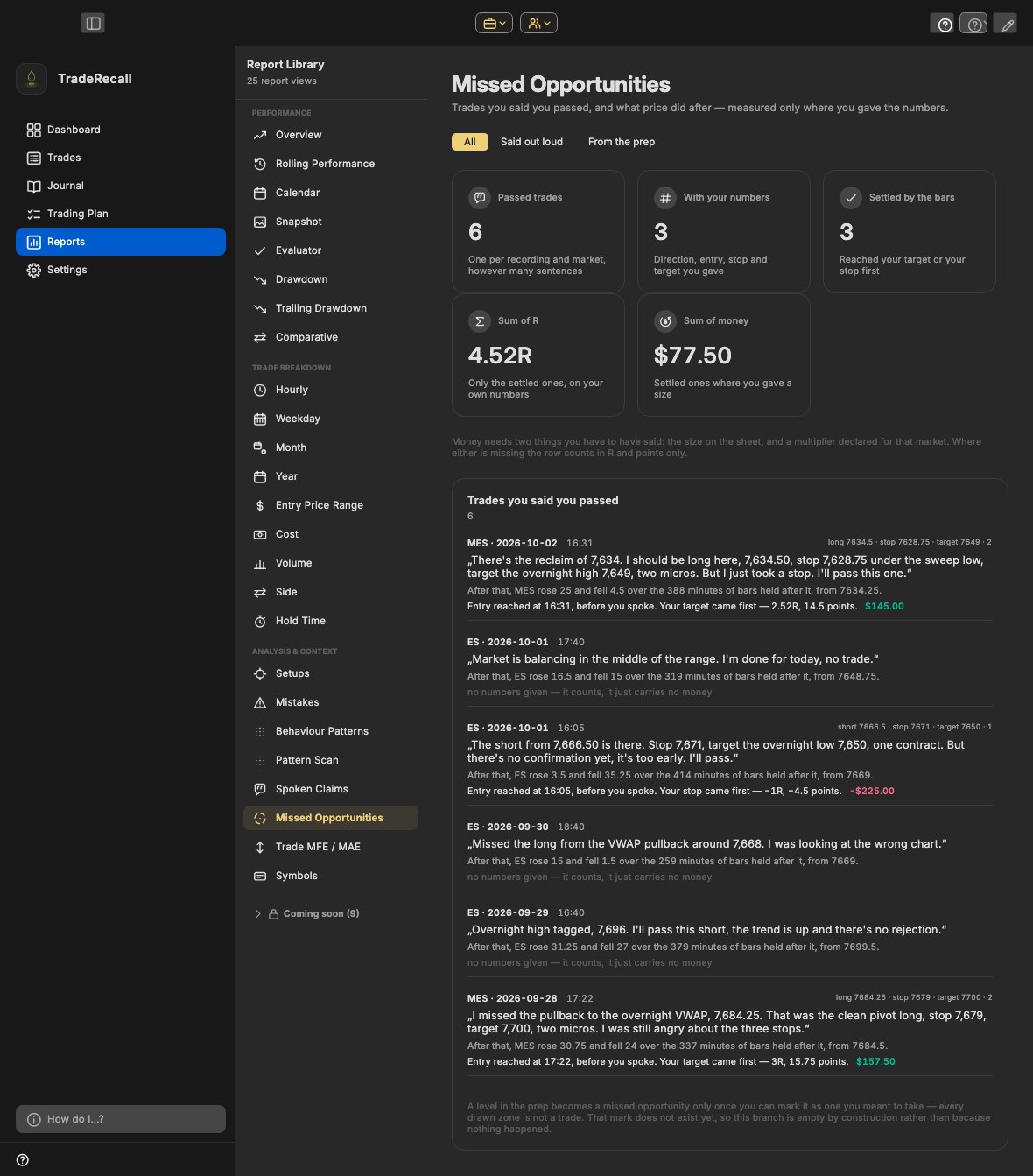
| Trades you passed on | Say you are passing and your numbers; checked later against the market | A Missed Trades journal you type into |
|---|
| Prop firm accounts | Each account on its own. Trailing drawdown counted tick by tick by the rule you set, beside the balance Sierra Chart, NinjaTrader or Quantower report | Accounts are tracked; drawdown rules are not on their site |
|---|
| Where it runs and what it costs |
|---|
| Where your journal lives | On your computer, Windows or a Mac with Apple silicon | On their servers, opened in the browser |
|---|
| Price | $300 once, or $33 a month for 12 months, then it's yours | $197 a year or $35 a month |
|---|
| Free | The journal is free and stays free; the full version for your first 30 days | No free plan on their pricing page. “After you have canceled your subscription, you will no longer be able to log into your Edgewonk trading journal.” |
|---|
| Refunds | Within 14 days | Within 14 days |
|---|